How we automate bookkeeping so no invoice gets skipped
A field note from our own books: three AI routines chase tax invoices and check month-end gaps, a tile flags unpaid invoices. Real counts.
Most advice on how to automate bookkeeping is written by whoever sells the software. This is a field note from our own books instead. Three AI routines, the first started in August 2026, and one dashboard tile, added in November, do the chores that used to slip: asking for the tax invoice on every marketplace purchase, checking at month end which expenses never reached the invoicing system, and showing which customer invoices are unpaid.
Why the invoice is the part that goes missing
The card charge always shows up. The document does not. In Mexico, the income tax law lists it among the conditions for a deduction: the expense must be “supported by a tax receipt”, the stamped electronic invoice known as CFDI. In Israel, for business invoices above a set amount, the right to deduct the VAT now depends on an allocation number from the Tax Authority printed on the invoice. We are not tax advisers; your accountant has the final word. The practical point: a purchase without the right document can cost more than its price.
How we automate bookkeeping chores: three routines, one tile
Two routines run every night, at 22:00 and 22:01 Mexico City time, one for Amazon Mexico and one for MercadoLibre. Each one lists the year’s orders and finds the new ones. It checks whether a CFDI is already attached and whether it carries our tax id. If not, it reads the conversation with the seller and writes the next request in Spanish. Every order is a row in one shared sheet. Two rules keep it polite: at most five requests per seller, and when a seller cannot issue a CFDI and offers another document, the routine accepts it and closes the order.
The third routine is scheduled for the last days of each month and only acts on the very last one. It holds a list of 37 recurring suppliers (16 monthly, 20 yearly, one that bills twice a month) and reads the expenses recorded in iCount, our invoicing system. A supplier with no expense within seven days of its usual date is reported as missing, with where to fetch the invoice. An amount more than 60% above or 50% below the usual is flagged. The same routine files every loose document in the inbox folder and queues it for iCount. It does not record anything itself: a person runs the upload.
The tile reads iCount every six hours. A customer invoice more than 30 days past due turns amber. So does a proforma, a payment request sent before the invoice, that has waited more than 45 days.
What 176 purchases showed
On 16 November the sheet had 176 purchases made since January. Chasing worked less often than we hoped:
Month end went better. On 29 September the first check reported 15 recurring expenses missing. On 2 October, after 136 loose files were sorted, three were missing and 26 were queued for upload. October started on the 31st with 7 of 17 expected suppliers found, and closed on 11 November. From 7 September to 11 November the log shows 590 documents filed and 144 expenses recorded.
The tile earned its place on 16 November. The owner uploaded the bank’s list of movements, and a Butler chat matched them against what was open. About an hour later, three payments had their receipts in iCount and one proforma was issued and sent. On 17 November the tile showed one unpaid invoice, 141 days late, and 12 open proformas, nine of them amber. It also listed three proformas that looked open but were already paid, matched to a later invoice for the same customer and amount.
What went wrong and what is still manual
- The check of 1 October still listed 15 missing expenses, because it did not count invoices already waiting in the inbox. Filing the inbox is now its first step.
- A credit note had been issued by mistake in October. On 16 November it was reversed with a new invoice and a note for the accountant.
- The routines need the owner’s computer with a signed-in browser. Some sellers only invoice through their own web form, which a person fills in.
Where the person came in
The routines find, match, request and remind. A person decides. On 10 October a seller offered a plain receipt instead of the invoice, and the owner answered no himself. He told the routine to keep trying on two orders without the five-request limit: seven reminders between 20 October and 13 November, none answered. On 15 November a seller refused five orders at once. The routine may not accept a refund or a gift on his behalf, so those rows wait for him. And on 11 November he closed October with four open items he chose to accept. Those are the moments a person must say yes.
What to take from this
Start with the list of what should arrive every month: a routine only notices a gap if someone wrote down what was expected. We run this in Butler, our AI development cockpit, next to the code and the CRM work we do for customers. Want the same for your back office? Book a free 30-minute consultation and project review.
Keep reading
 Field notes
Increase app revenue? First find the ads that trap users
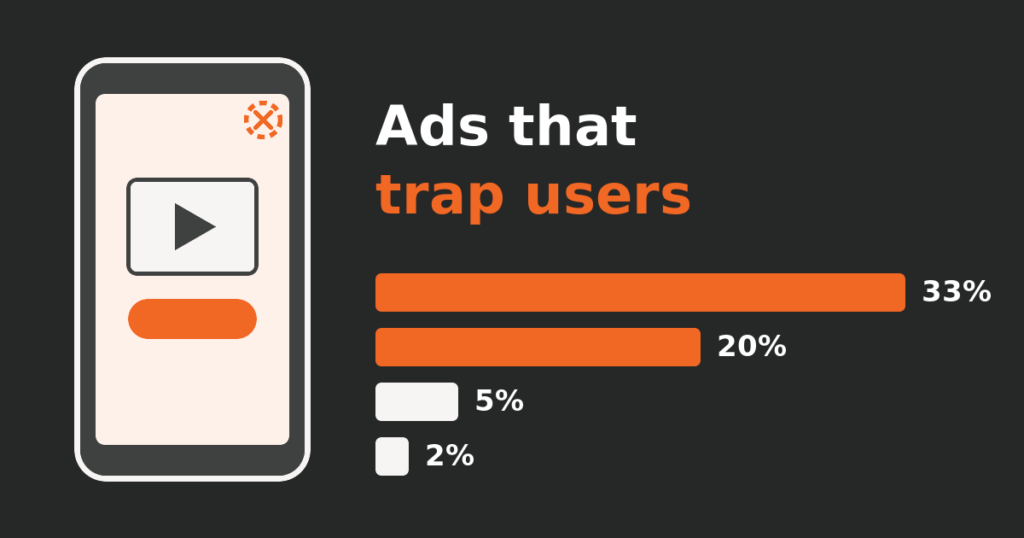
Our transit app's ad income looked healthy while some ads trapped users. How we counted it, what we switched off, and what the numbers did next.
 Field notes
How long does it take to build a website? Ours took 5 days
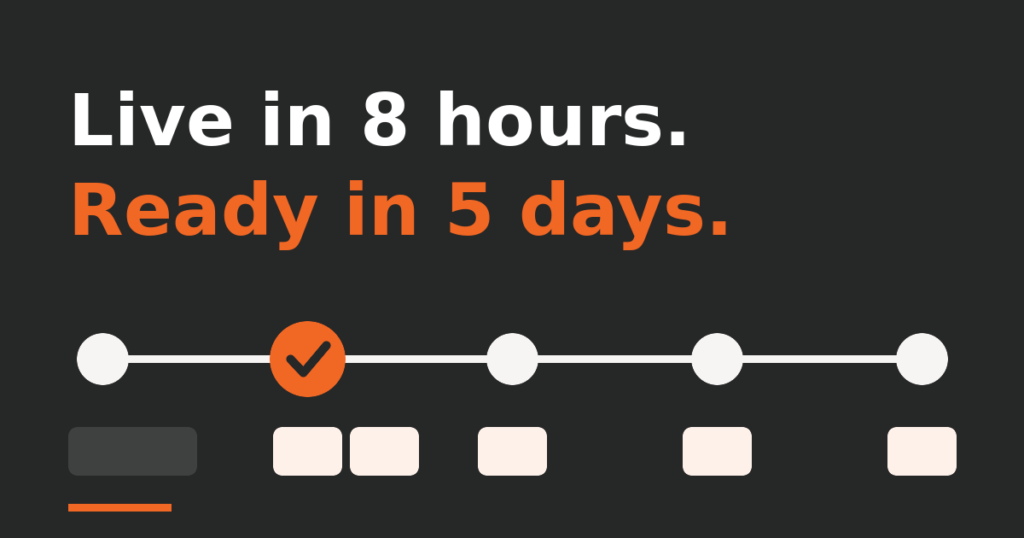
Guides say a professional website takes months. Ours was live in under eight hours and ready for business in five days. The real log, errors included.
 Field notes
Mobile app maintenance with AI: a month of Metro y Metrobús
One month of looking after our own transit app with AI: a review fixed in a day, a cost alert traced to one feature, and where a person said go.