How long does it take to build a website? Ours took 5 days
Guides say a professional website takes months. Ours was live in under eight hours and ready for business in five days. The real log, errors included.
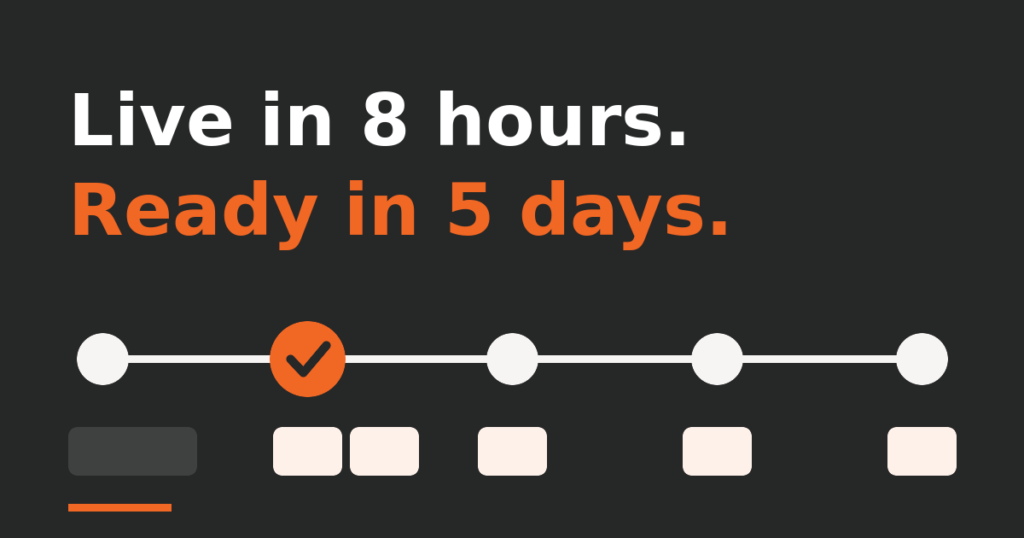
Ask how long does it take to build a website and the usual answer is months. HubSpot’s guide says a professionally built site “could take between five and six months”. GoDaddy’s guide expects the development phase alone “to take at least a couple of months”. This month we rebuilt our own site, yalla-ya.com, with AI and our team. From the first draft to the live site took under eight hours. What a business needs around it took four more days. This is the log, including what broke.
How long does it take to build a website with AI? Our log
For ours: one night for the pages, and five calendar days until the site was ready to do business. Every line comes from the dated notices that Butler, our AI development cockpit, keeps for the project. Times are UTC.
| When | What was ready |
|---|---|
| 13 Nov, 22:12 | First draft of the new site, ready for review |
| 14 Nov, 00:16 | 13 pages in English, Spanish and Hebrew, previewed but not installed |
| 14 Nov, 05:49 | Live: 39 pages answer and the old addresses redirect |
| 14 Nov, 06:12 | 11 dashboard tiles watching the site. That day, a store with three monthly plans |
| 16 Nov | Cookie consent banner live, analytics only after consent, five legal pages published |
| 17 Nov | Review form rebuilt, blog live with its first three articles, 26 tiles |
What went wrong, and how it was fixed
Two things broke.
- Broken addresses. On launch day a maintenance command, run without one setting, rebuilt a language cache. The addresses that tell search engines which page is the original and which is its translation came out malformed. The notice sent 23 minutes after launch already records the fix, and the rule is now in the project notes the AI reads in every session.
- A stuck update. On 14 November the consent banner was ready, but the update that loads it was sent twice and neither attempt answered in over 90 minutes. Butler raised an alert asking a person to step in. The notice that closes it is dated 16 November.
A third was caught before it cost anything. The form plugin treats a request as spam when the page it came from was generated more than two days earlier, and our page cache keeps pages for seven days. We raised the limit to thirty. That kind of catch is what an experienced developer adds when AI writes the code.
Why it was fast without skipping checks
AI did the volume: the theme, the text of 18 pages in three languages, the drafts of the legal pages. The checks ran every time. A script compares the structure of the three languages after each change. One tile confirms that Spanish and Hebrew carry all 1,846 text entries of the English pages, another that all 63 links open. Before the switch there was a backup and a rollback script.
The rest came from having numbers, decisions and code in one place. On launch day the first security reading was red: 3 plugins with known vulnerabilities. Twenty-nine minutes later it read zero, because the tile that showed them, the chat that updated them and the notice that recorded it sit on the same screen. So each problem became a fix, and then a rule or a new tile: 11 tiles on launch day, 26 now.
One honest caveat: this was our own site. The server and the brand already existed, and decisions took minutes. In a client project, decisions and content take longer than code, so for a business website or an online store we would talk about weeks, not days.
Where the person came in
The owner made the calls the AI could not: a multi-page site in three languages, no client logos, no street address, which message leads. The owner set the Hebrew rules, down to which side the “!” of our name sits on, said “publish all the terms” before the last three legal pages went live, and decided that name, e-mail and phone are required on the form. These are moments where a person must say yes.
If someone offers you a product in days, ask to see the log: what was checked and what broke. If you want that view of your own project, book a free 30-minute consultation and project review.
Keep reading
 Field notes
How we automate bookkeeping so no invoice gets skipped
A field note from our own books: three AI routines chase tax invoices and check month-end gaps, a tile flags unpaid invoices. Real counts.
 Field notes
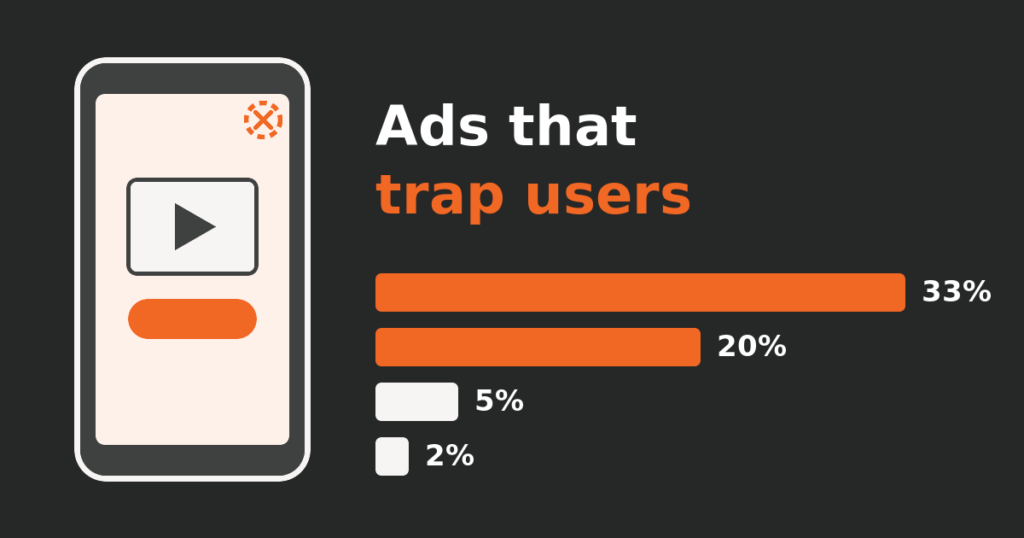
Increase app revenue? First find the ads that trap users
Our transit app's ad income looked healthy while some ads trapped users. How we counted it, what we switched off, and what the numbers did next.
 Field notes
Mobile app maintenance with AI: a month of Metro y Metrobús
One month of looking after our own transit app with AI: a review fixed in a day, a cost alert traced to one feature, and where a person said go.