Website and server monitoring: what two weeks really caught
A field note from a busy sports site: what we watch on the server, how an alert reaches a person, and two real cases with before and after numbers.
Most stories about website and server monitoring are told by whoever sells the tool. This one is a field note: two weeks on one product we run, a high-traffic sports site whose visitors all arrive at once on game nights.
What website and server monitoring covers on our screen
The site has its own screen in Butler, our AI development cockpit. Each tile on it is a check that runs on a schedule:
- Is the site answering? Every 5 minutes.
- Server load, memory and disk, load spikes, slow database queries and backups: every hour.
- Domain and security certificate: once a day.
- A server review every evening: an AI routine reads the logs, compares them with yesterday and writes a short report: PHP errors, backups, cache settings, what changed.
On the online stores we run, the screen also carries a mobile page speed score. A failed check becomes an alert, red or amber: what happened, what to do, and a link to the report. Urgent ones are pushed as a notification.
Case 1: error pages caught live, cause found in under two minutes
On 11 November the evening review started and found the site answering with an error on most pages: 256 of the 338 requests in the live log. It raised a red alert. Eighty-four seconds later it posted the cause. A list of cache-clearing instructions had grown to 17.9 KB, and the web server refuses any single header above 8 KB, so every page that was not already in the cache was cut off. The server log showed the same error on and off since 5 November. The five-minute check had gone red once on 9 and once on 10 November and was green again by the next check, so the cause stayed hidden until it was caught live.
The review is only allowed to read. Its attempt to clear the stuck list was blocked by Butler’s permission check, so the alert handed a person the exact step and noted that it was safe during a live game. Fifteen minutes after the first alert the health check was green. It was not over: the error came back for 15 minutes later that evening and for about 5 minutes the next afternoon. That same afternoon the lasting fix went in. The limit was raised from 8 KB to 32 KB, and long lists are now split into small pieces. From then until 17 November the check has not reported the site down.
Case 2: slow database queries, from 13.3 hours a day to 4.9
The same site overloads on game nights. On 3 November it was down for about 15 minutes in two waves and served 565 error pages. On 10 November, with six or seven games live at once, it served 1,507 in under an hour and a half. Both times every PHP worker was busy while the database sat idle, and the worst waves began in the minutes when game results are imported in bulk.
Meanwhile, the slow-queries tile gave us work that was safe to do in daytime. One clean-up statement that deleted nothing was using 65 minutes of database time a day, and we stopped it. A lookup called 438,000 times a day went from 8.9 to 0.2 milliseconds per call.
The tile’s total fell from 13.3 hours of database time a day on the morning of 14 November to 4.9 hours on the evening of 17 November, 63 percent less. The reviews from 13 to 17 November record no overload error pages. We cannot credit the database work for those quieter nights: the game calendar changes every evening.
Where the person came in
The evening review reads and reports; it does not change a live site. On 11 November that limit stopped the AI from applying even a cache-only fix by itself, and a person received the step instead. A change that touches what visitors see during a game is marked in the alerts as the owner’s to approve. It is one of the moments where a person must say yes.
What to ask of your own monitoring
When a check fails, who is told, and does the message say what to do? And who looks when nothing is failing? Our largest gain came from a tile that was amber, not red. This is how we run managed servers and hosting. If you want the same eyes on your product, book a free 30-minute consultation and project review.
Keep reading
 Field notes
How we automate bookkeeping so no invoice gets skipped
A field note from our own books: three AI routines chase tax invoices and check month-end gaps, a tile flags unpaid invoices. Real counts.
 Field notes
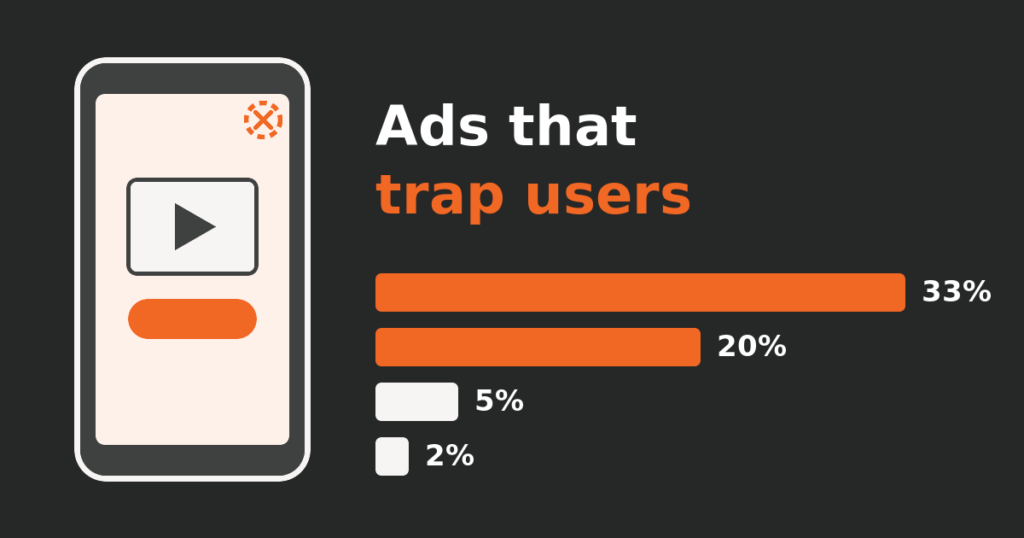
Increase app revenue? First find the ads that trap users
Our transit app's ad income looked healthy while some ads trapped users. How we counted it, what we switched off, and what the numbers did next.
 Field notes
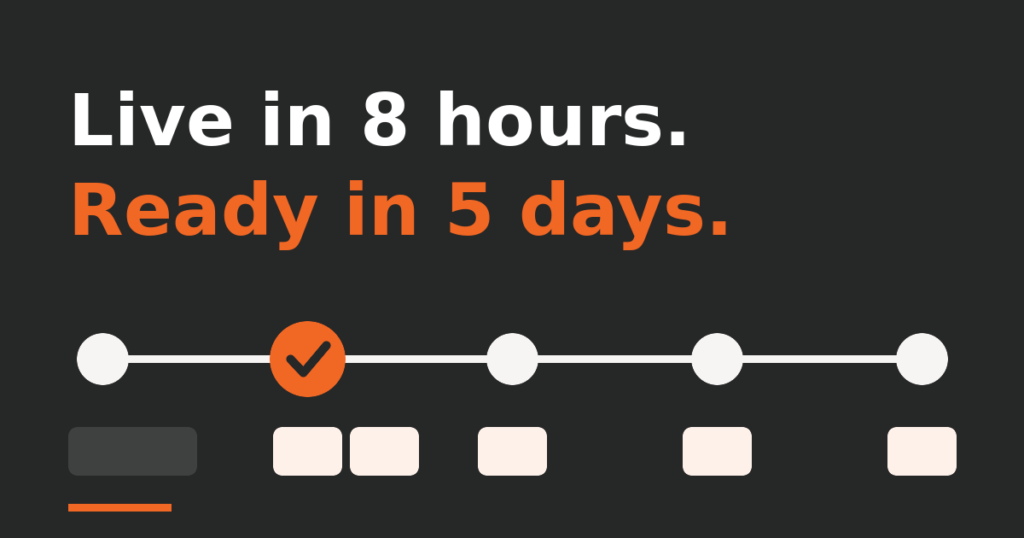
How long does it take to build a website? Ours took 5 days
Guides say a professional website takes months. Ours was live in under eight hours and ready for business in five days. The real log, errors included.